How does safeassign work: Complete Guide (2026)
SafeAssign is one of the most widely used plagiarism detection tools in academic institutions, and I’ve tested it extensively across multiple submission types and document formats. Understanding how SafeAssign works is essential for students and educators who rely on it to maintain academic integrity. This comprehensive guide breaks down the mechanics of the platform, walks you through its key features, and helps you use it effectively without running into common pitfalls.
What You Need
Before diving into how SafeAssign operates, gather these essentials:
- A student or instructor account on Blackboard Learn (most institutions use Blackboard’s integrated version)
- A document to submit in supported formats (Word, PDF, PowerPoint, plain text)
- Access to your institution’s learning management system
- Basic understanding of plagiarism detection concepts
- Familiarity with how SafeAssign generates similarity reports
You don’t need technical expertise to use SafeAssign, but understanding its underlying technology helps you navigate results more confidently. Visit Safeassignaichecker to explore how professional checkers compare to institutional tools.
How Does SafeAssign Work: The Core Process
SafeAssign uses content matching algorithms to compare submitted documents against multiple databases. When you upload a paper, the system extracts text and breaks it into small segments, comparing each fragment against billions of indexed web pages, academic databases, and previously submitted student papers within your institution.
The matching process happens in real time or within minutes, depending on your institution’s server load. SafeAssign doesn’t flag content as plagiarized automatically—instead, it creates a similarity score and highlights matching passages, leaving interpretation to instructors and students.
SafeAssign’s core databases include internet sources (websites, blogs, articles), published works (journals, books, dissertations), and institutional repositories (papers submitted to your school over the years). This three-pronged approach catches most common sources of unoriginal content.
Step 1: Upload Your Document to SafeAssign
Navigate to your Blackboard assignment and locate the SafeAssign submission box. Click the upload button and select your file from your computer. SafeAssign accepts documents up to 100 MB in most institutional setups.
The platform supports multiple file types: Microsoft Word (.docx, .doc), Adobe PDF, PowerPoint presentations, Google Docs (when converted), and plain text files. Avoid uploading image-based PDFs or scanned documents, as SafeAssign cannot extract text from these formats and will return no results.
After uploading, you’ll see a confirmation message. Your document enters the processing queue, which typically completes within 1-5 minutes. Some institutions with heavy traffic may experience longer wait times, especially during assignment due dates.
Step 2: SafeAssign Processes Your Content
Once uploaded, SafeAssign’s AI content detection engine begins analyzing your submission. The system extracts readable text from your document and creates a digital fingerprint—a mathematical representation of your content’s unique characteristics.
This fingerprint is then compared against SafeAssign’s vast databases using advanced matching algorithms. The tool identifies exact matches, paraphrased content, and partial overlaps with indexed sources. Unlike manual plagiarism detection, this process happens automatically and consistently across millions of documents.
The processing includes checking for common mistakes like improperly cited sources, overly quoted sections, and potential patchwriting (combining sources without proper attribution). The system flags these areas for review but doesn’t automatically penalize them.
Step 3: Review Your Similarity Report
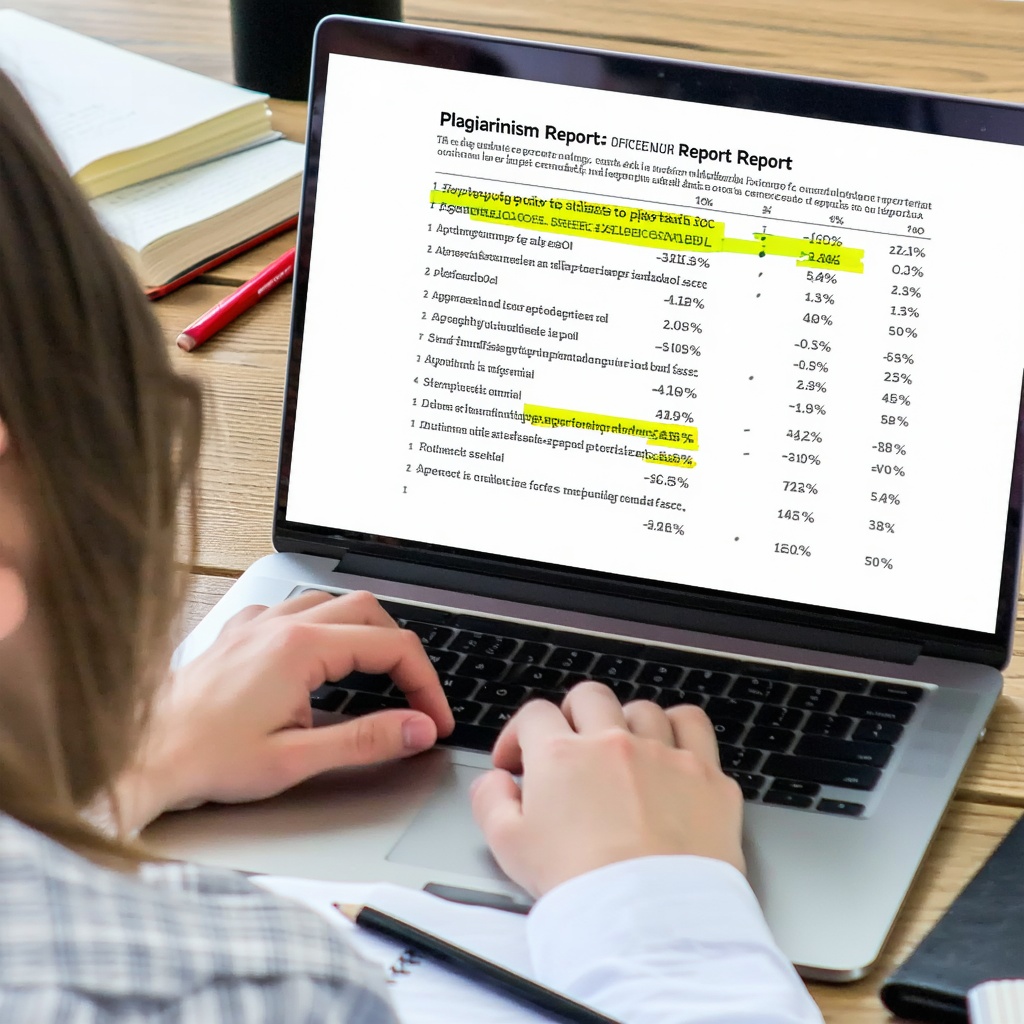
Once processing completes, you’ll receive a similarity report showing your document’s overall matching percentage. A score of 15% or less typically indicates minimal matching content, while scores above 40% suggest substantial overlap that requires investigation.
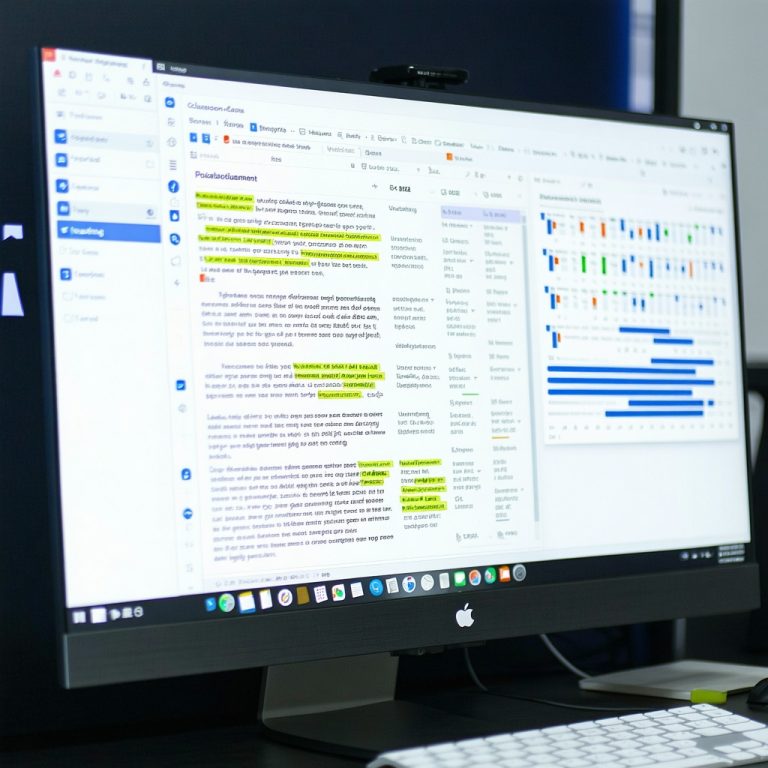
Open the detailed report to see which passages match existing sources. SafeAssign highlights matching text in your document and lists the sources it found. Each match includes the source title, URL (for web sources), and the percentage of your document that matches that particular source.
Pay close attention to the difference between exact matches and paraphrased content. Exact matches appear in one color, while content that closely resembles sources appears in another. This distinction helps you identify whether you’ve accidentally plagiarized or simply written about similar topics using your own words.
Common mistakes students make when reviewing reports include ignoring low-percentage matches (which can still be concerning if they’re from major sources) and assuming all matching content is plagiarism (some overlap is natural when citing studies or discussing standard concepts).
Step 4: Interpret and Act on SafeAssign Results
A high similarity score doesn’t automatically mean plagiarism occurred. Your introduction might match published course descriptions, your methodology might align with standard academic approaches, and your citations will naturally match their original sources. The key is understanding context.
Check whether matched content appears in quotation marks and includes proper citations. SafeAssign can’t distinguish between quoted material (which is acceptable) and unattributed copying (which is plagiarism). This is where human judgment becomes critical.
If you discover improperly cited sources, revise your document to add citations or quotation marks as needed. If you’ve paraphrased poorly, rewrite the section in your own words and ensure your citation still appears. If the similarity score includes your own previous work, inform your instructor—some institutional policies allow this, while others don’t.
For instructors, SafeAssign’s report facilitates conversations rather than making final determinations. Review flagged content, consider the assignment context, and discuss findings with students before drawing conclusions about academic integrity.
Step 5: Submit Your Revised Document (If Needed)
If SafeAssign results reveal problems, most institutions allow resubmission before the final deadline. Upload your corrected document to the same assignment box, and SafeAssign will generate a new report for comparison.
Compare your new similarity score with the original. Properly cited additions shouldn’t significantly change your score, but genuine plagiarism fixes typically lower the percentage substantially. If your score remains unchanged or increases, you likely haven’t addressed the core issues.
Document your revision process by keeping dated versions of your submissions. If an instructor questions your integrity, you can demonstrate how you addressed plagiarism concerns through successive revisions. This transparency builds trust and shows good faith effort.
For detailed guidance on comparing SafeAssign with other detection tools, check the Safeassignaichecker blog for expert insights on academic integrity platforms.
How Does SafeAssign Detect AI Content
Modern versions of SafeAssign include AI content detection capabilities, identifying text likely generated by tools like ChatGPT. This AI checker tool analyzes writing patterns, sentence structure consistency, and linguistic markers that distinguish human writing from machine-generated content.
When SafeAssign flags potential AI content, it assigns a confidence score rather than a definitive verdict. Instructors should treat these flags as prompts for conversation, not proof of AI use. Some students legitimately produce writing that superficially resembles AI output.
The AI detection feature serves educational purposes—encouraging students to develop authentic writing skills rather than outsourcing assignments. However, the technology remains imperfect, and false positives do occur. How does safeassign work articles explore these detection mechanisms in greater depth.
Tips and Mistakes to Avoid
Mistake 1: Ignoring Low-Percentage Matches
A 5% match might seem insignificant until you realize it’s a direct quote from your textbook without quotation marks. Always investigate every flagged passage, regardless of the overall score.
Mistake 2: Assuming All Matching Content Is Plagiarism
Standard academic phrases, common knowledge, and properly cited sources will match. Focus on content that’s highlighted but not cited—that’s the genuine concern.
Mistake 3: Submitting Without Reading SafeAssign Results
Some students upload documents and submit immediately without reviewing the report. This misses opportunities to catch and fix problems before your instructor sees the report.
Mistake 4: Paraphrasing Without Citing
Changing a source’s words without including a citation still constitutes plagiarism. SafeAssign may not flag heavy paraphrasing if sentence structures differ significantly, but it’s still academically dishonest without attribution.
Mistake 5: Overestimating SafeAssign’s Limitations
While SafeAssign has blind spots (it can’t fully evaluate visual content or analyze implicit plagiarism), it’s robust enough to catch most common violations. Don’t assume you can slip things past it.
Tip 1: Use SafeAssign as a Learning Tool
Treat similarity reports as feedback for improving your writing and citation skills. Each report teaches you how to better integrate sources and develop original analysis.
Tip 2: Submit Early for Review
Use SafeAssign’s preview function before final submission when your institution allows it. This gives you time to address issues without rushing.
Tip 3: Understand Your Institution’s Policies
SafeAssign settings vary by school. Some institutions allow 24-hour submission previews; others don’t. Know your specific setup to manage expectations.
Tip 4: Cite Everything You Borrow
When in doubt, cite it. Excessive citations are better than plagiarism, and your instructor can always suggest removing unnecessary attributions during feedback.
Frequently Asked Questions
Does SafeAssign check the dark web or private databases?
SafeAssign primarily indexes publicly available internet sources, published academic works, and papers within your institutional repository. It does not access the dark web or password-protected private databases. However, its institutional repository database grows over time, so papers previously submitted to your school are automatically checked against all new submissions.
Can SafeAssign detect paraphrasing?
SafeAssign can identify closely paraphrased content when sentence structures remain similar, but it struggles with sophisticated paraphrasing that significantly reorganizes ideas. This is why citation remains essential—proper attribution is expected regardless of how much you’ve reworded a source. Paraphrasing without citation is still plagiarism, even if SafeAssign doesn’t flag it.
Will SafeAssign penalize me for citing sources?
No. Properly cited and quoted content should appear in your similarity report, but it won’t result in plagiarism accusations. SafeAssign distinguishes between citation formats, so using APA, MLA, Chicago, or other standard styles correctly helps legitimize your matching content.
How long does SafeAssign take to generate a report?
Most reports generate within 1-5 minutes of submission. During high-traffic periods (near assignment deadlines), processing may take 15-30 minutes. Your institution’s server capacity and file size affect processing speed. You’ll receive a notification when your report is ready.